

Table of Contents
Follow the steps below to register a service with Space Cloud:
You first need to create your custom HTTP server and deploy it. You can write this server in any language or framework of your choice.
Note: The custom logic that you want to access via Space Cloud should only go in
POSThandlers.
Head to the Remote Services section in Mission Control.
Click on the Add button to open the following form:
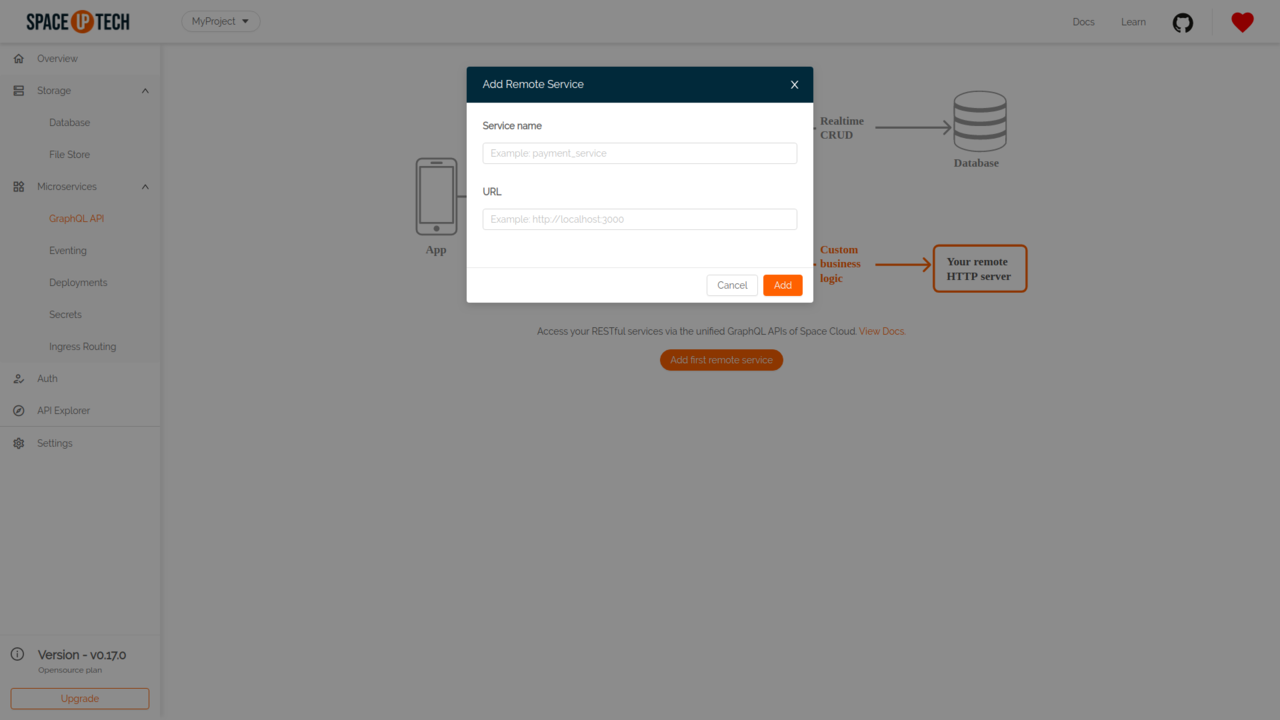
You need to enter the following information:
Click on the Add button to add the remote service.
Once you have added the remote service, you should be able to see it in the remote services table:
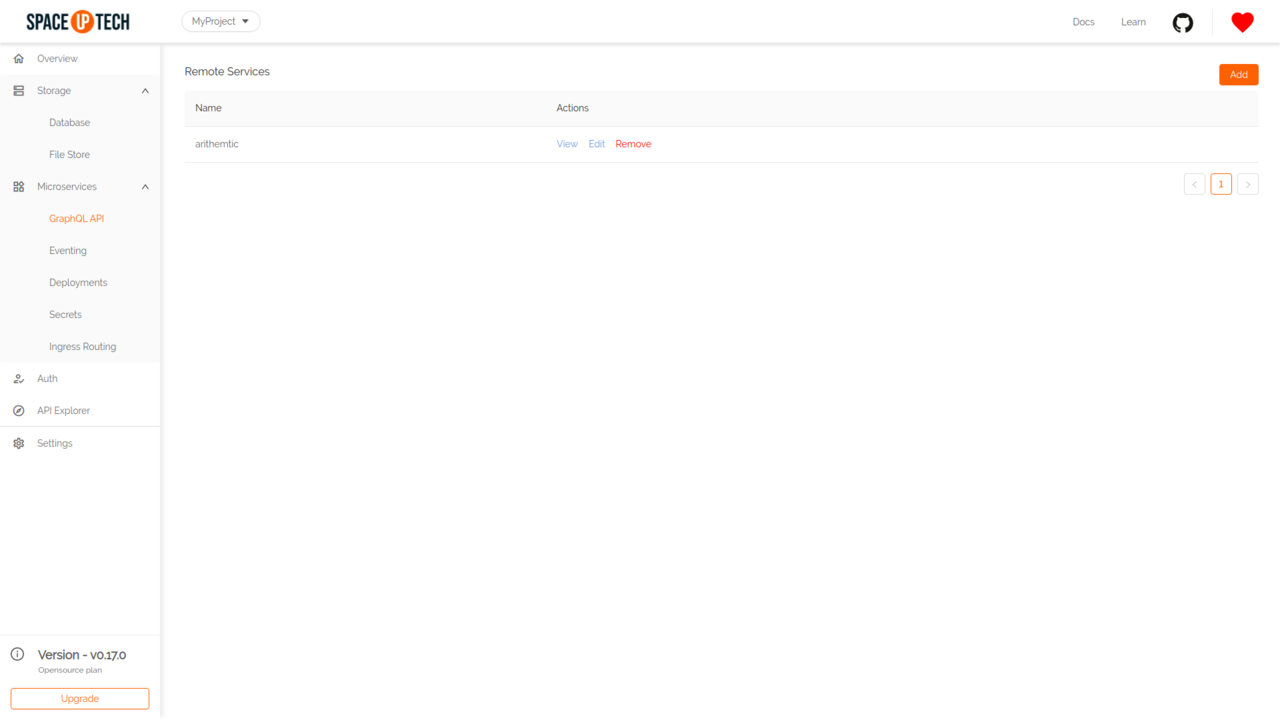
Click on the View button in the Actions column to open the service page.
Click on the Add button to add an endpoint to your remote service:
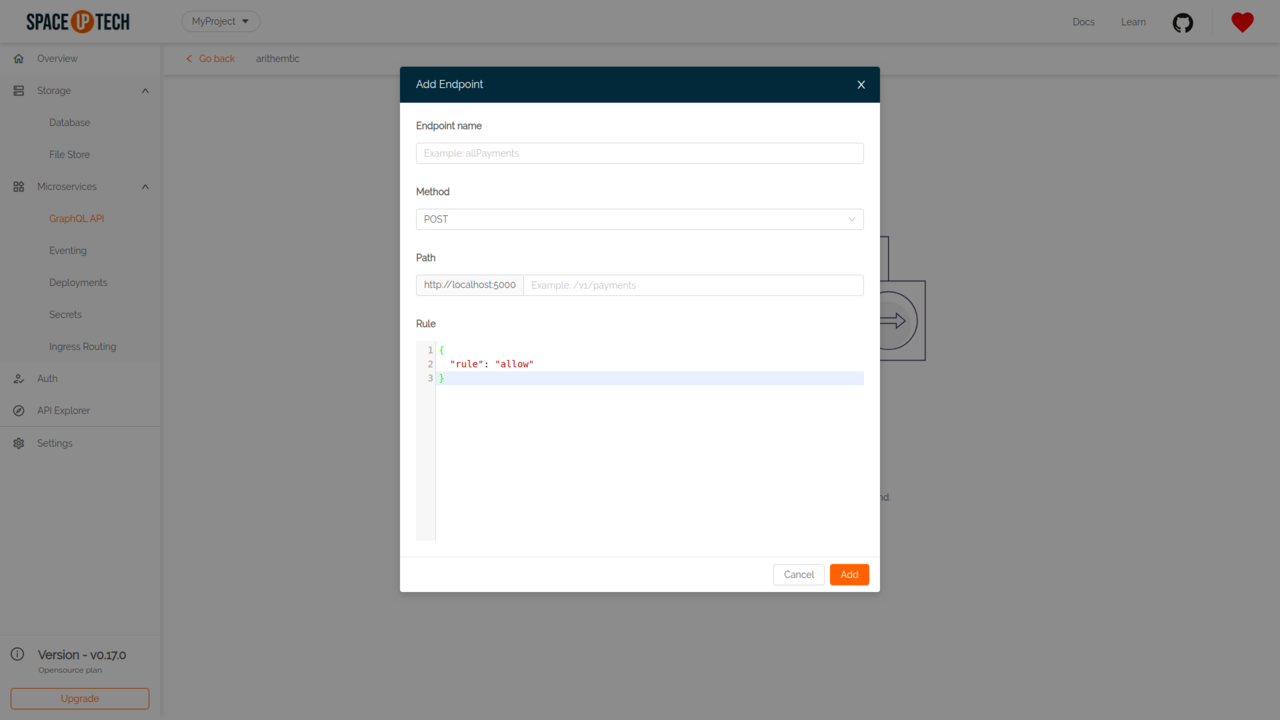
You need to enter the following information:
Service URL + Path.Note: You can also use arguments to make the path dynamic. For example, a path -
/hello/{args.name}will receive thenameURL param from the arguments sent by the client in the query.
Have a technical question?


Improve the docs!